
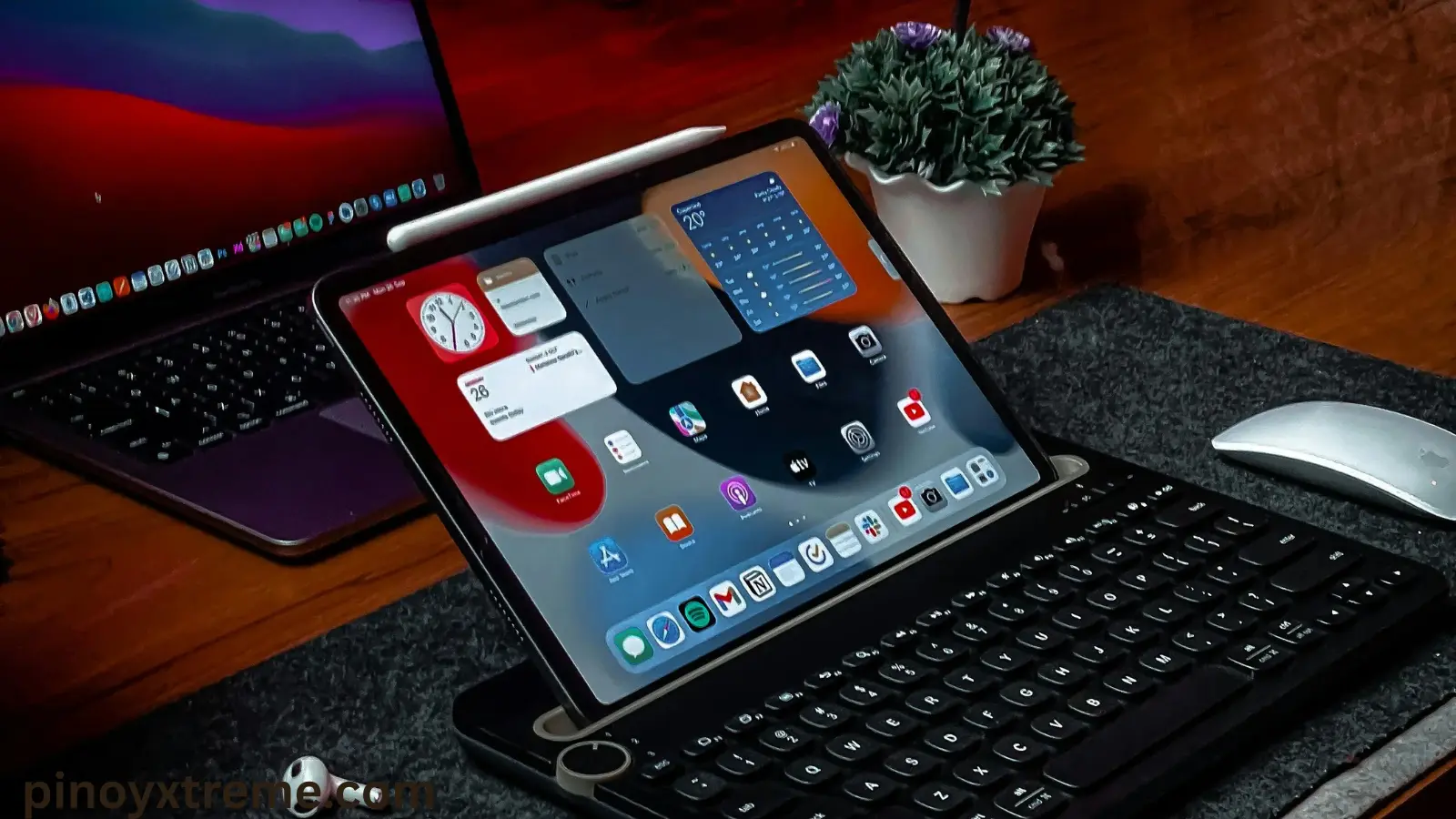
Many Apple users see the term promotion technology when they compare screens. You might be wondering what it actually changes in daily use. That question makes sense.
This technology affects how smooth your screen feels when you scroll, swipe, watch videos, or play games. Apple built this feature to improve motion quality while controlling battery use.
This guide explains this technology in simple terms. You will see how it works, which devices support it, how it compares to regular displays, and whether it justifies the higher price.
What Is Promotion Technology?
Promotion technology is an Apple display feature that adjusts the screen refresh rate based on your activity.
A normal screen refreshes at one fixed speed. Promotion technology changes that speed in real time. When you scroll fast, play games, or interact with the screen, the refresh rate increases. When content stays still, the refresh rate decreases.
This behavior improves motion clarity and reduces power use at the same time. Apple introduced promotion technology to improve responsiveness without draining the battery.
Most users notice smoother scrolling and cleaner motion, even if they never touch a setting.
How Promotion Technology Works
Promotion technology controls how often the screen updates each second. This rate is called the refresh rate.
A standard display refreshes at 60 times per second. This technology allows the display to reach up to 120 times per second when motion increases.
Here’s the logic:
- Motion increases → refresh rate increases → movement looks smooth
- Motion stops → refresh rate decreases → battery use drops
The system manages this process automatically. You do not need to turn anything on. Apple handles it in the background so the screen feels fast when needed and calm when not.
Key Features of Promotion Technology
1. Smooth Scrolling and Motion
Promotion technology improves scrolling across apps, websites, and menus. Content moves without jumps or visible stutter.
Animations look cleaner when you open apps or switch screens. This makes long reading or browsing sessions feel easier on the eyes.
Cause: higher refresh rate
Effect: smoother motion
Result: better screen comfort
2. Faster Touch Response
Promotion technology reduces the delay between touch and action. The screen reacts immediately when you tap or swipe.
This matters most during:
- Gaming
- Typing
- Drawing and creative work
The faster response gives you better control. Actions feel direct instead of delayed.
3. Automatic Refresh Rate Adjustment
Promotion technology adjusts refresh rates on its own. The display responds to your behavior in real time.
Fast movement triggers a faster screen. Still content triggers a slower screen. This balance improves usability without wasting energy.
You get speed when you need it and stability when you don’t.
4. Improved Battery Control
Promotion technology saves battery by lowering refresh rates during static content like reading or paused screens.
Lower refresh rate → fewer screen updates → less power use
This design helps devices keep strong battery life while still delivering smooth motion when required.
5. Clearer Motion and Less Blur
This technology keeps text readable during scrolling and images sharp during movement.
This improves:
- Video playback
- Gaming visuals
- Viewing comfort
The screen stays clear instead of smearing details during fast motion.
Devices That Support Promotion Technology
iPad Pro Models
Apple introduced this technology on iPad Pro devices. The large screen makes the difference easy to see.
Scrolling feels smooth. Drawing with Apple Pencil feels accurate. The display slows down when idle to reduce power use.
iPhone Pro Models
Apple added technology to iPhone Pro models in newer generations. These phones increase refresh rates during scrolling and gaming.
When you read messages or view photos, the system lowers the refresh rate to protect battery life.
MacBook Pro Models
MacBook Pro laptops use this technology to improve motion during everyday work.
This helps during:
- Web browsing
- Video editing
- App switching
The screen adapts based on what appears on it.
Apple Watch Models
Some Apple Watch models use a form of technology. The refresh rate changes with activity level.
Active use keeps animations smooth. Idle screens reduce refresh speed to preserve battery life.
Promotion Technology vs Standard Displays
| Feature | Promotion Technology | Standard Display |
|---|---|---|
| Refresh Rate | Adaptive up to 120Hz | Fixed 60Hz |
| Scrolling | Very smooth | Smooth |
| Touch Response | Faster | Normal |
| Motion Clarity | High | Moderate |
| Battery Use | Optimized | Constant |
| Best For | Heavy users | Basic use |
Benefits of Promotion Technology
- Smooth scrolling during daily use
- Faster response in games
- Better stylus accuracy
- Clear motion in videos
- Smarter battery handling
All benefits work automatically. No setup required.
Is Promotion Technology Worth It?
This technology benefits users who scroll often, play games, create content, or spend long hours on screens.
For basic tasks like texting or email, a standard display still works well. The difference becomes clear during fast motion and heavy interaction.
Devices with this technology usually cost more. The value depends on how much screen performance matters to you.
Conclusion
So, what is promotion technology? It is Apple’s system for making screens feel smooth and responsive while controlling battery use.
This technology adjusts refresh rates in real time. That adjustment improves motion clarity, reduces delay, and improves comfort during daily use.